
Your first YouTube review
From installation to one useful decision
Start with one YouTube channel on Windows. No Instagram or TikTok developer setup needed for this workflow.
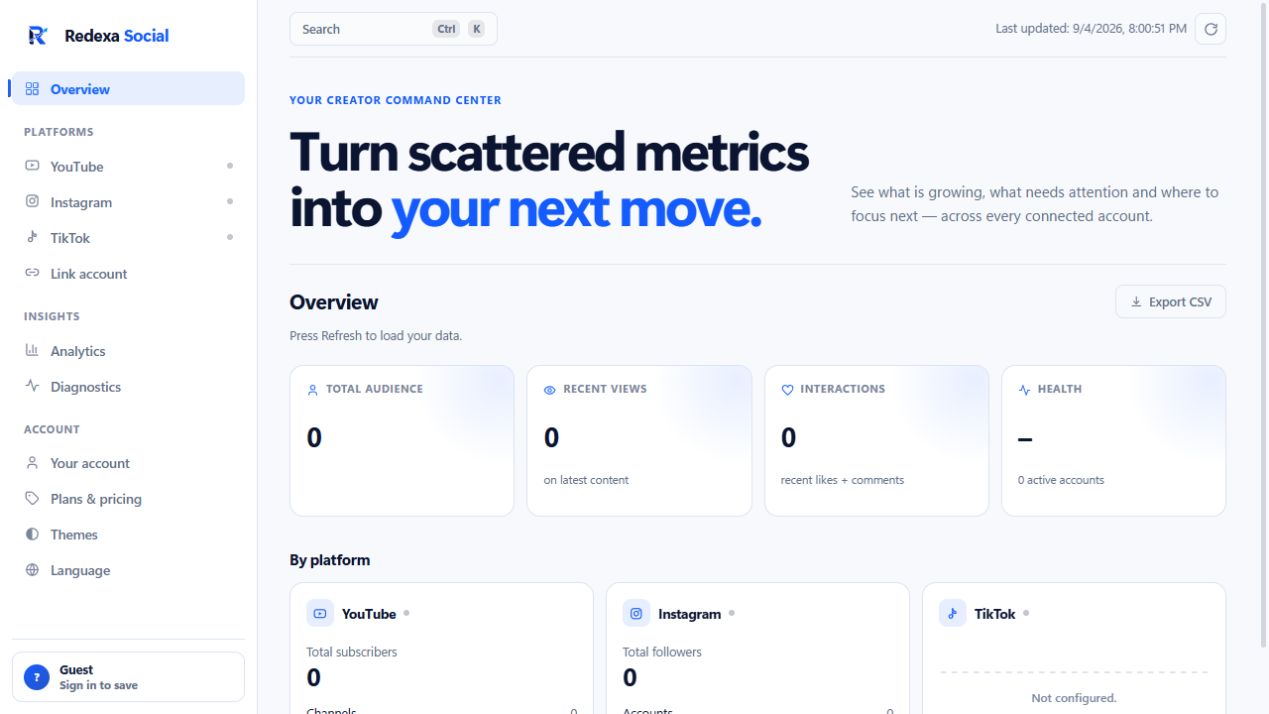
1. Install and open Redexa Social
Download the Windows installer above. Check that the publisher is Aurelio Avila, complete installation and open Redexa Social. The free plan supports one connected account. Release notes and portable ZIP.
2. Connect your YouTube channel
Open Link account, choose YouTube and use the Google account that owns or manages your channel. Read the requested permissions. Redexa reads analytics; it does not publish videos. Return to the app after authorization.
3. Check the data before judging performance
Open YouTube and wait for the refresh. If nothing appears, check the selected channel and Diagnostics. An empty account or a connection problem is not evidence of poor content. You can revoke access in your Google account settings.
4. Choose one experiment
Compare two similar recent uploads. Note the better-performing topic or format, then choose one change for your next video. Avoid attributing the difference to a single cause without testing. Redexa complements YouTube Studio; it does not replace every native report.
5. Come back after your next upload
Repeat the comparison with the new video. Record what changed and whether the result supports your idea. Posting windows, full history and CSV export depend on your plan; start with the free overview before upgrading.
How did your first review go?
Choose one anonymous response. This is voluntary feedback, not automatic tracking of your app activity.
Website measurement
We store daily totals of page views, download clicks and the optional responses above. No account data, channel statistics, IP addresses or visitor IDs are stored in this measurement database. No tracking cookies are set. Browser privacy signals are respected. Hosting providers still process network information to serve requests.